

Settrade Open API
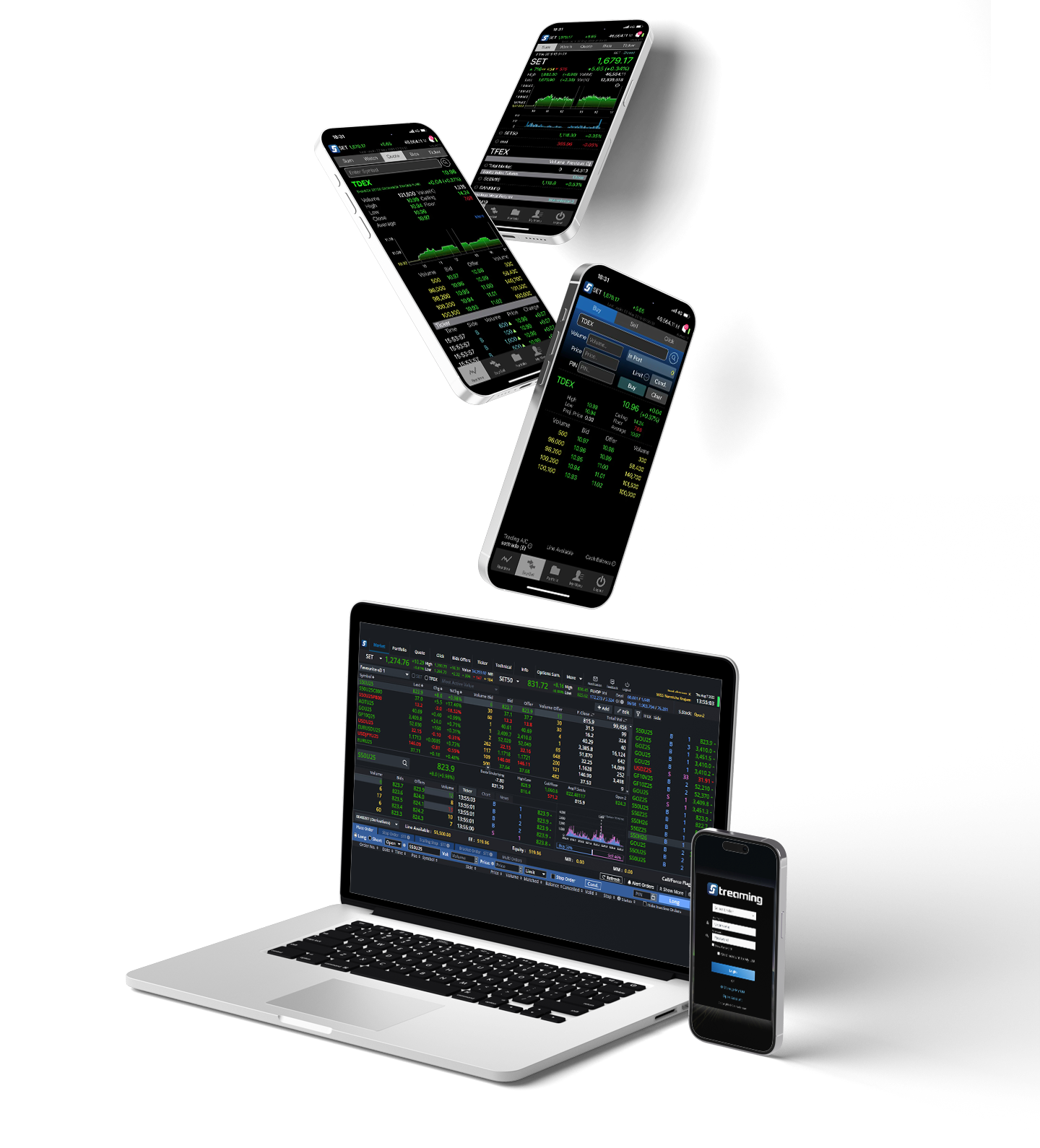

Unlock New Investment Opportunities with Settrade Streaming
- Manage all your trading in one place—stocks and derivatives included.
- User-friendly
- Expert-built for modern traders. This platform was designed and developed by specialists in online trading systems.
The Settrade API: Your Key to Unlocking Advanced Strategies
Trade across any platform with ease. Our system allows you to generate a unique key, giving you the flexibility to manage your account, monitor your status, and place orders from anywhere.
FAQs
Settrade now offers the ability to send algorithm-based orders through its SDK. You can send orders in various formats, such as Python, Excel VBA, and Amibroker.
For those who want to try placing orders or new investors who wish to test their own algorithms, Settrade has added a Sandbox system. This is a free test account that doesn't require you to open a real account to try it out.
The era of manual order entry is over. We've entered the age of Algorithm Trading. If you're an investor who wants to use the Settrade API and already has a brokerage account, please contact your investment advisor. If you don't have an account yet, you can try the Sandbox first.
- Open a TFEX Account with Classic Ausiris (CAF) First.
- Generate API Key for order placement. To use the Settrade API for live order placement, regardless of the platform, you must first create a Key. This key provides access to your account, allowing you to check its status and submit trading orders. Therefore, for your security, "please keep your key confidential."
- Open a TFEX Account with Classic Ausiris (CAF) First.
- When you log in for the first time, the Streaming Terms and Conditions page will appear. Please click to accept the agreement.
Optional
- Investors can contact their investment advisor to enable the Auto Position feature. With Auto Position, you can place orders without specifying them as 'open' or 'close' positions, as the system will automatically net new orders against your current holdings. For example, if you originally have a Short position of 1 contract and then open a Long position of 2 additional contracts using Auto Position, your net outstanding position will be Long 1 contract. This is because the new Long contracts will offset the original Short contract, leaving you with a net Long position of 1 contract.
When you contact your investment advisor to enable Auto Position.
- After you request to use Auto Position, the first time you access Streaming on the Settrade website, a page will appear for you to accept the terms of use.
- Click to accept the terms of use. If you want to use Auto Position, please contact your investment advisor.
- Return to the Settrade website. In the sidebar, click on "Manage API user." If you do not see the "Manage API User" tab, you can contact your investment advisor to have Settrade API enabled.
- Click on "Generate key for using API" to have the system create a key.
With that, you will have your App Secret and App ID for using the Settrade API. You can create a new key at any time, but be aware that your old key will become invalid once a new one is generated. The Client Proxy is a program for connecting to Amibroker. If you don't use Amibroker, there is no need to install it.
The Sandbox is a simulated environment where investors can build and test their algorithms in a virtual investment setting. Both beginners and experts can create and experiment with their own algorithms without any limits.
Anyone can get into algorithm trading. If you're not ready to commit capital or open a live trading account, the Sandbox is the perfect place to start. Use it as a training ground to practice and test your algorithms for free. Let the Sandbox be the first step on your algorithm creation journey.
- You can register for use at https://developer.settrade.com/open-api/
- After you register, the next step is to create your Application ID and Application Secret for the Settrade API SDK. Click on "My Information" in the dropdown menu at the top-right corner of the screen.
- You can find the Streaming program in the top bar to view the results of your orders and data feeds. Although the prices are not based on live market data, you can still fully test your order placement functionality.
- The important part here is the Account name, which you will use in the Sandbox API. It will appear in this section with the following format:
- Equity Account: "username-E"
- TFEX Account: "username-D" (This is a specific account format for the Sandbox environment.)
You are now ready to start coding your connection to the Settrade API. From here, the process depends on your individual expertise. You can find all the necessary reference materials on the Settrade website at the following link: https://developer.settrade.com/open-api/api-reference/getting-start